
How to Choose an IT Company in Washington, DC
How Do You Choose an IT Company in Washington, DC?
Choosing an IT company in Washington, DC comes down to three things: how fast they actually respond, what the flat fee really covers, and whether the contract lets you leave cleanly if it stops working. Everything else — logos, certifications, slide decks — is secondary to those three.
The DC market makes the decision harder than it looks. Organizations here run offices on both sides of the Potomac, staff who split time between the District, Maryland and Virginia, and work that often touches federal data. If you are evaluating providers for IT support in Washington, DC, the questions and red flags below will separate the serious options from the rest in a single meeting.

Start With How Your Organization Actually Works
Before you talk to a single provider, write down the facts any proposal has to fit:
- Where your people are. One office downtown, a satellite in Arlington or Bethesda, remote staff across the DMV — each changes what on-site coverage has to look like.
- What data you handle. Federal Contract Information, Controlled Unclassified Information, client financials, donor records or privileged legal files each carry their own obligations.
- What you run. Microsoft 365 or Google Workspace, line-of-business applications, phones, printers, conference rooms and any servers that still live in a closet.
- What has gone wrong before. The last outage, the last security scare and the last project that ran late tell a provider more than any questionnaire.
A provider who asks about these before quoting is trying to fit your organization. One who quotes per user before asking anything is fitting you into a template. If you want an independent baseline first, a technology assessment documents exactly what you have before anyone prices it.
Ten Questions to Ask Every Provider
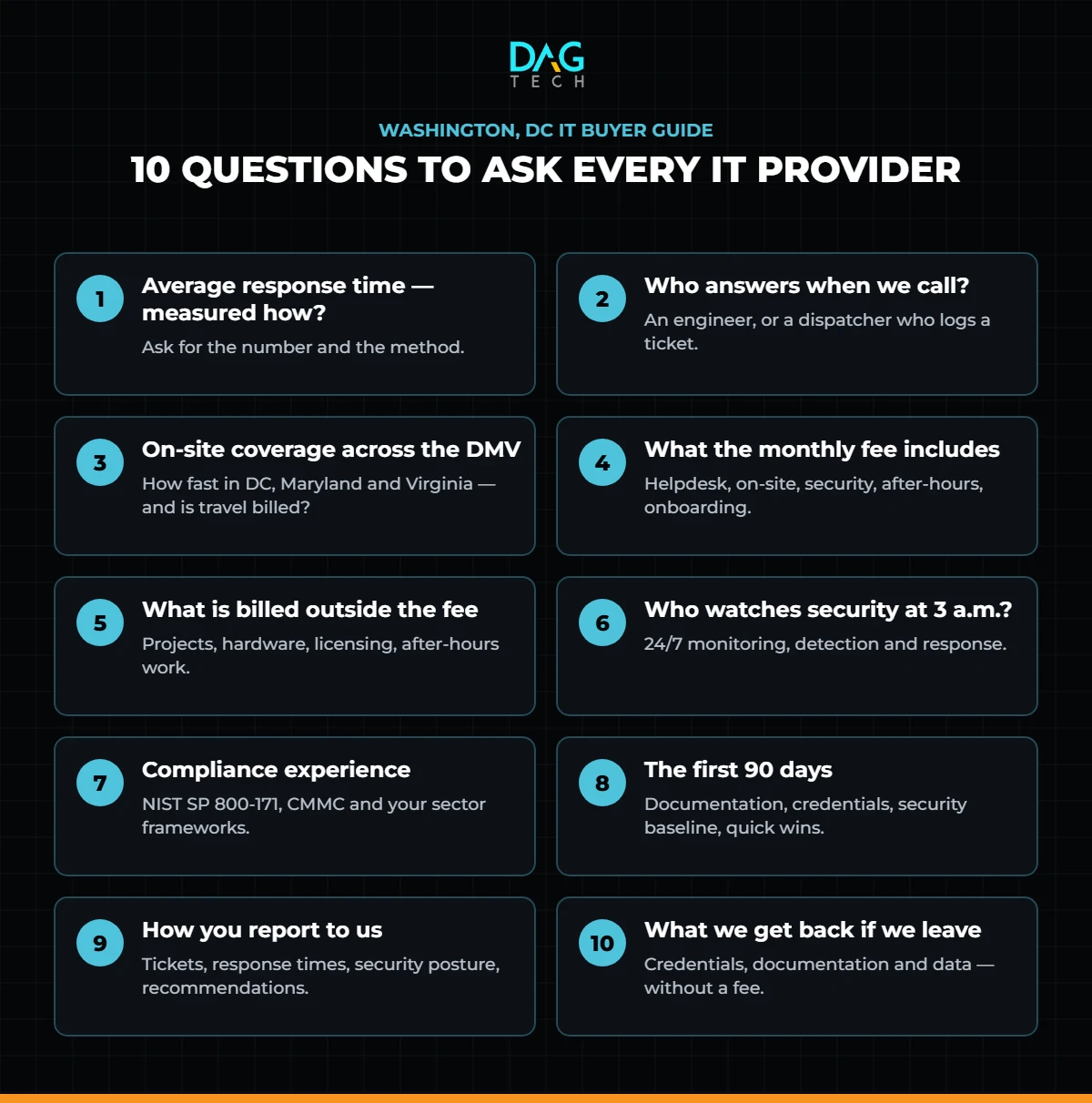
- What is your average helpdesk response time, and how do you measure it? Ask for the number and the method. “Within the hour” is a promise; a measured average from the ticketing system is a fact.
- Who answers when we call? An engineer who can fix the problem, or a dispatcher who creates a ticket.
- How does on-site support work across DC, Maryland and Virginia? Ask how quickly someone can be in your office and whether travel is billed.
- What exactly does the monthly fee include? Get it in writing: helpdesk, on-site visits, security tools, after-hours support, onboarding and offboarding of staff, and vendor management.
- What is billed outside the fee? Projects, hardware, licensing and after-hours work are the usual places surprises live.
- What does your security stack look like, and who watches it at 3 a.m.? Antivirus alone is not a security program. Ask about 24/7 monitoring, detection and response.
- What compliance work have you done for organizations like ours? Contractors should ask about NIST SP 800-171 and CMMC; associations, law firms and healthcare organizations have their own frameworks.
- What does the first 90 days look like? A real onboarding plan covers documentation, credential handover, security baseline and quick wins.
- How will you report to us? Regular reporting should show tickets, response times, security posture and recommendations — not just an invoice.
- If we leave, what do we get back? Admin credentials, documentation and data should be yours, delivered on request, without a fee.
A response-time promise is marketing. A measured response-time average is evidence. Always ask for the evidence.
Check the Provider’s Own Security
An IT provider holds the keys to every system you run, which makes it a target in its own right. The Cybersecurity and Infrastructure Security Agency’s risk considerations for managed service provider customers recommends that executives, procurement teams and technical staff each ask how a provider protects its own access. At minimum, expect:
- Phishing-resistant multifactor authentication on every account that can reach your systems.
- Separate, named administrator accounts — no shared logins.
- Logging of every action the provider takes in your environment.
- A written incident response plan that tells you when and how you will be notified.
Contract Red Flags
Most bad IT relationships were visible in the contract before they were visible in the service.
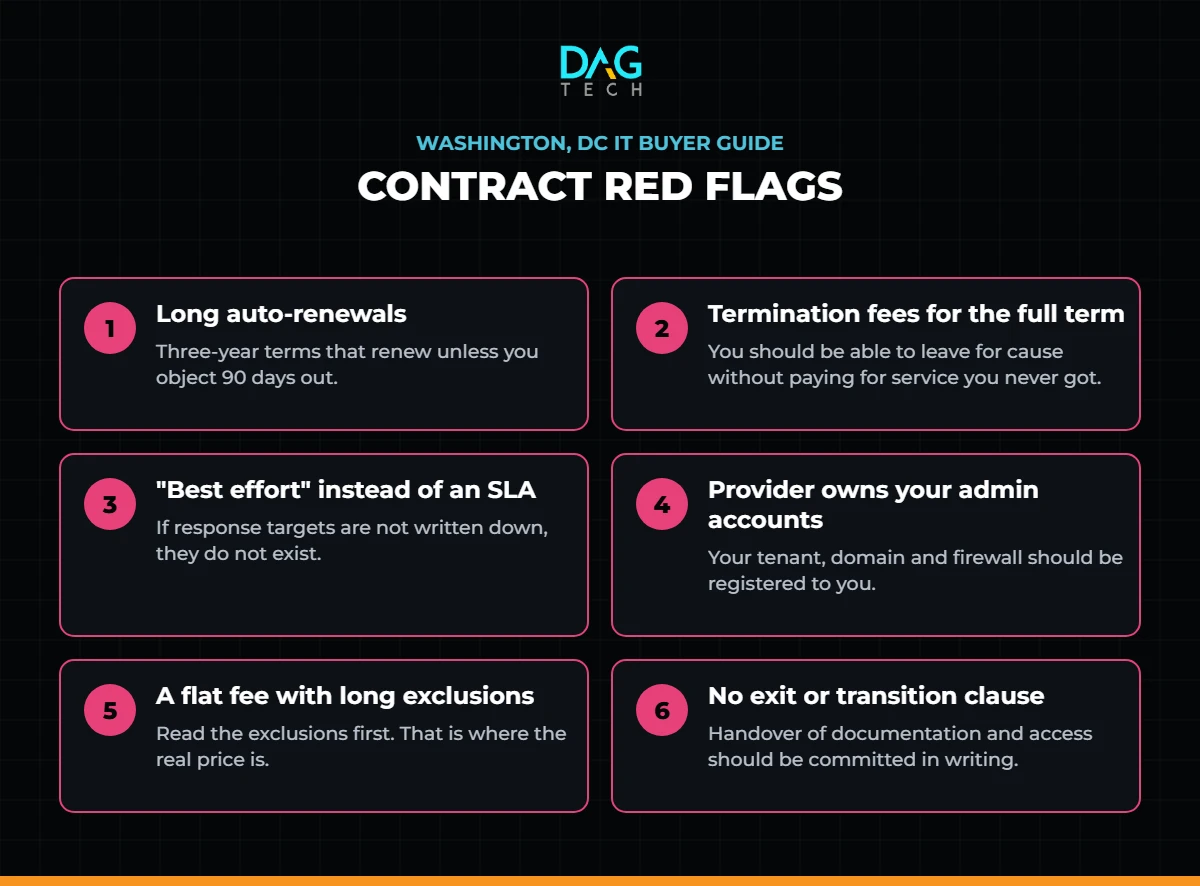
- Long auto-renewals with short notice windows. A three-year term that renews automatically unless you object 90 days out is designed to be missed.
- Termination fees that equal the rest of the term. You should be able to leave for cause without paying for service you did not receive.
- “Best effort” language instead of a service level. If response and resolution targets are not written down, they do not exist.
- The provider owns your admin accounts. Your tenant, your domain and your firewall should be registered to you, with credentials you can retrieve.
- A flat fee with a long list of exclusions. Read the exclusions first. That is where the real price is.
- No exit or transition clause. A professional provider commits in writing to hand over documentation and access when the relationship ends.
How to Compare Proposals Side by Side
Line up every proposal against the same five columns: measured response time, what the fee includes, what is billed extra, security coverage, and exit terms. Then add the cost of the projects you already know you need this year. The cheapest monthly fee frequently becomes the most expensive provider once projects and exclusions are added back in — which is exactly what a technology TCO study is designed to expose.
For a structured scoring method, a vendor evaluation study weights each criterion before you read a single proposal, so the decision is made on your priorities rather than the best presentation. Mapping each provider against the NIST Cybersecurity Framework 2.0 is a useful way to compare security programs on equal terms.
If you are not sure what you need, start with an independent review of your current environment. A State of the Technology assessment documents what you have, what is at risk and what should change, so every proposal can be measured against the same baseline.
The right IT company is the one whose contract you would be comfortable signing if the service turned out to be average.
Where DAG Tech Fits
DAG Tech supports organizations across Washington, DC, Maryland and Virginia with managed IT services built around the questions above:
- An 8-minute average helpdesk response, measured from our ticketing system.
- Flat-rate IT plans such as A+ Animal that spell out exactly what is included.
- Proactive maintenance through Blackjack, so problems are fixed before users notice them.
- 24/7 security monitoring through X-SOC and managed cybersecurity.
- IT compliance services for organizations that handle federal data.
Want to hear it from clients rather than from us? Read DAG Tech’s reviews.
Contact DAG Tech today — we deliver proposals within one business day.
Related reading: CMMC and NIST 800-171: What DC-Area Government Contractors Still Owe · Office Move in Washington, DC? An IT Relocation Checklist · How to Build a Cybersecurity Policy