
Earthquake-Ready IT: Disaster Recovery Planning for Southern California Offices
How Do You Make Your IT Earthquake-Ready?
Assume the office is unavailable for weeks, not hours, and build your IT so people can keep working from anywhere the moment the shaking stops. In Southern California the most likely earthquake impact on a business is not destroyed servers — it is a building you cannot enter, power and internet that are down across the area, and staff who need to work from home while roads and transit recover.
That reframes disaster recovery from “protect the server room” to “make the office optional.” Here is the plan we use when delivering IT support in Los Angeles for organizations across the region.

What Actually Happens to IT After a Major Earthquake
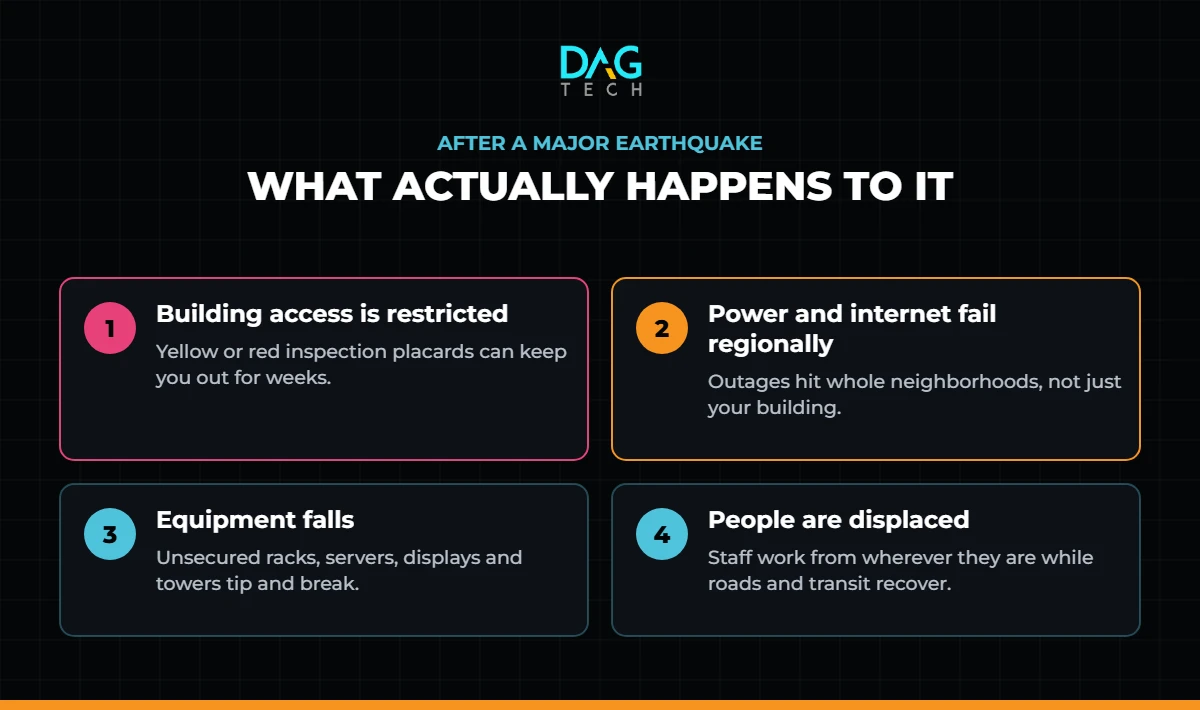
- Building access is restricted. After a significant quake, inspectors evaluate buildings and post them under the ATC-20 placard system: green (inspected), yellow (restricted use) or red (unsafe). A yellow or red tag can keep you out of your office — and away from any equipment inside it — for an extended period.
- Power and connectivity fail regionally. Utility outages and damaged carrier infrastructure can take down internet service across whole neighborhoods, not just your building.
- Equipment falls. Unsecured racks, servers, displays and desktop towers move, tip and break.
- People are displaced. Staff deal with their own homes and families first, and may need to work from wherever they are.
Disaster recovery in Southern California is not about protecting the server room. It is about making the office optional.
Set Your Recovery Targets
Before buying anything, agree on two numbers for each critical system:
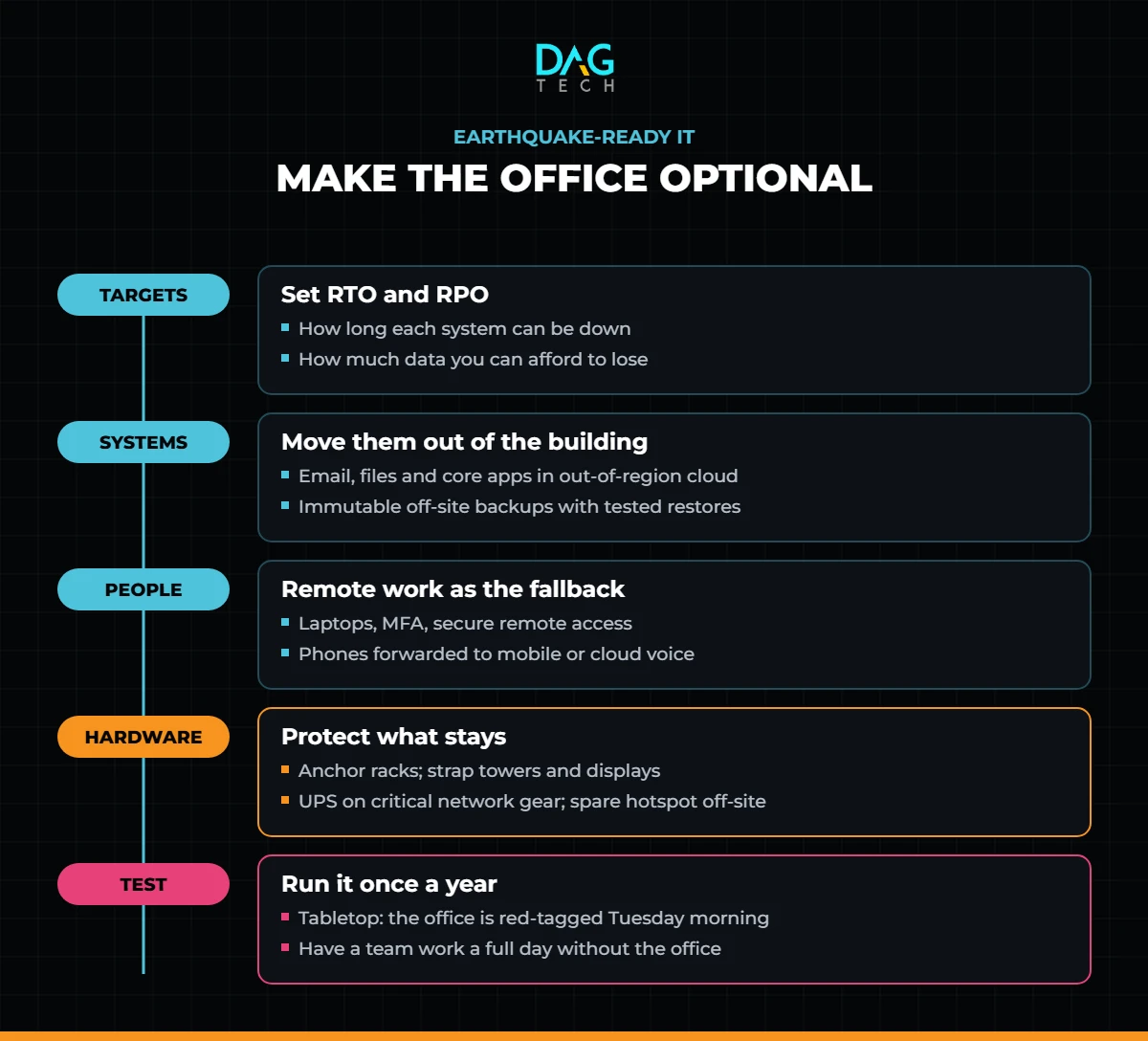
- Recovery Time Objective (RTO) — how long you can operate without it.
- Recovery Point Objective (RPO) — how much data you can afford to lose, measured in time.

Those targets decide everything else: which systems must run outside the office, how often backups run and how much redundancy is worth paying for. Our guide to BCDR policies, runbooks and tabletop programs walks through the full process, and FEMA’s Ready Business program includes an earthquake-specific QuakeSmart toolkit for the non-IT side of the plan.
The Plan at a Glance
Move Critical Systems Out of the Building
- Run email, files and core applications in the cloud, in data centers outside the affected region, so a local disaster does not take them down. Our cloud migration guide covers the sequence.
- Retire the on-premises file server wherever possible. A server in a closet is a single point of failure in a building you may not be able to enter.
- Keep immutable, off-site backups in a different region, and test restores on a schedule rather than assuming they work.
- Archive what you rarely touch. Inactive SharePoint content archived with DAG Tech Freeze stays retrievable without slowing recovery of the systems you need first.
Make Remote Work the Default Fallback
- Issue laptops rather than desktops to anyone whose role allows it — our IT procurement services can standardize the fleet.
- Make sure everyone can reach every critical system securely from home, protected by phishing-resistant multifactor authentication.
- Forward main phone numbers to mobile devices or a cloud phone system that does not depend on the office.
- Keep an offline copy of the emergency contact list and the recovery plan where leadership can reach it without company systems.
Disasters are not only natural. The July 2024 CrowdStrike outage showed how quickly a single failure can stop every device at once — the same remote-first, tested-recovery plan covers both.
Protect the Equipment That Stays
- Anchor network and server racks to the floor or structure, and use seismic-rated racks where possible.
- Strap down desktop towers, displays and printers.
- Put critical network equipment on uninterruptible power supplies sized for an orderly shutdown.
- Keep spare networking gear and a cellular hotspot off-site for a temporary office.
Use the Warning You Get
California’s earthquake early warning system, powered by USGS ShakeAlert, can deliver seconds of warning before strong shaking arrives through the MyShake app, Wireless Emergency Alerts and Android phones, as Cal OES explains. Seconds are enough to take cover — make sure staff have alerts enabled and know what to do when one arrives.
Test the Plan
Once a year, run a tabletop exercise: the office is red-tagged on a Tuesday morning — what happens next, hour by hour? Then test it for real by having a team work a full day without the office. The gaps you find on a calm day are the ones that would hurt most on a bad one.
You cannot control when the next earthquake hits. You can decide today whether your business needs the building to keep running.
Where DAG Tech Fits
DAG Tech designs and runs business continuity through our cloud managed services and managed IT services — moving critical systems out of the building, managing tested off-site backups, keeping devices patched through Blackjack, and making sure every user can work from anywhere when the office cannot be used.
Contact DAG Tech today to review your disaster recovery plan — we deliver proposals within one business day.
Related reading: Moving to the Cloud: A Practical Guide for Los Angeles Businesses · IT Consultant vs. Managed IT Provider · How to Build a Cybersecurity Policy