
Moving to the Cloud: A Practical Guide for Los Angeles Businesses
How Should a Los Angeles Business Move to the Cloud?
Move identity first, data second and applications last — and decide what not to move before you decide what to move. Most failed cloud migrations do not fail in the cloud; they fail because nobody secured the accounts, sized the bandwidth, or planned for the large files and legacy applications that do not belong there yet.
Los Angeles organizations bring specific challenges to that plan: creative teams working with large media files, hybrid staff spread across a sprawling metro, and offices that need to keep working through power and connectivity disruptions. This guide covers the sequence we use when delivering IT services in Los Angeles cloud migrations.
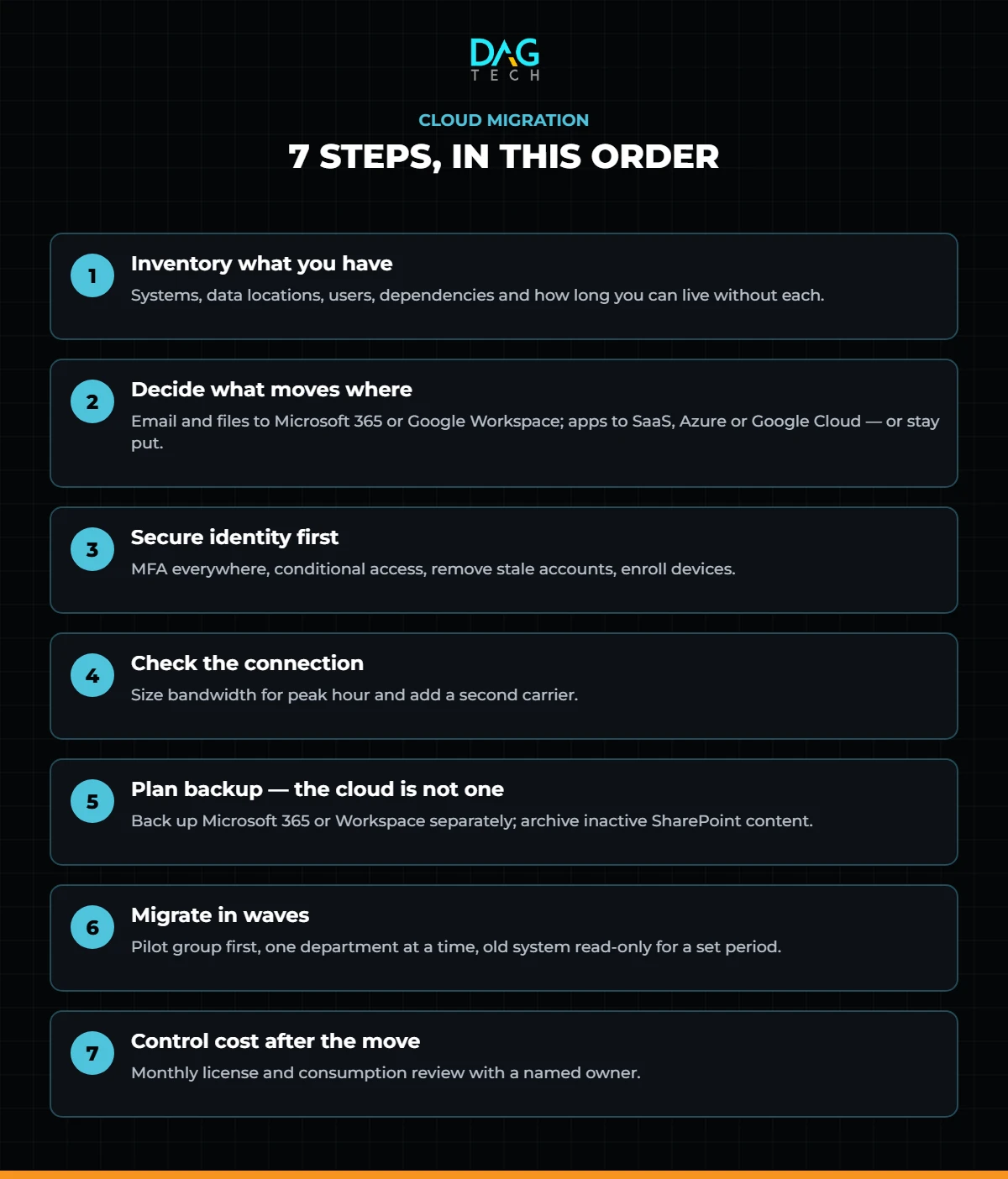
The Seven Steps at a Glance
Step 1: Inventory What You Have
List every system, where its data lives, who uses it and what it connects to: file servers, email, line-of-business applications, accounting, design and production tools, phones and backups. Note which ones are business-critical and how long you could live without each. That list becomes your migration order — and it usually uncovers shadow IT nobody knew about.
Step 2: Decide What Moves Where
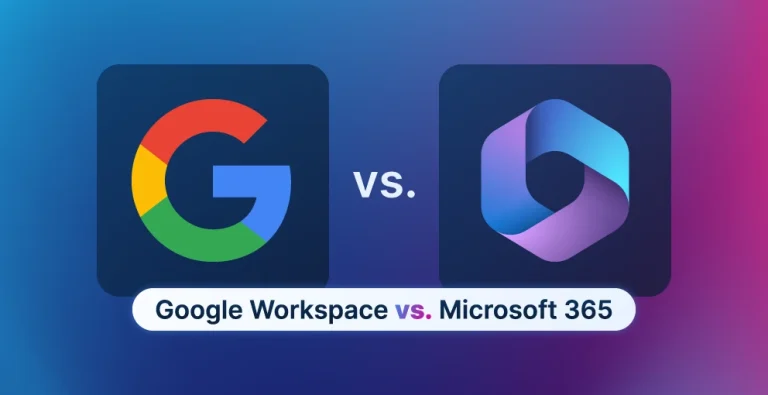
- Email and collaboration move to Microsoft 365 or Google Workspace. If you have not chosen yet, compare them in our Microsoft 365 vs. Google Workspace guide.
- Shared files move to SharePoint, OneDrive or Google Drive — with a permission structure designed before the copy, not after. Not sure which Microsoft tool holds what? See OneDrive vs. SharePoint vs. Teams.
- Applications either move to the vendor’s SaaS version, move to infrastructure in Microsoft Azure or Google Cloud, or stay where they are until they can be replaced.
- Large media and production files need their own plan. Multi-terabyte projects can be impractical to sync over typical office connections; a hybrid model with local storage and cloud archive is often the right answer.
Not everything should move. A system that is slow, expensive or poorly supported in the cloud is better left in place and scheduled for replacement.
Step 3: Secure Identity First
In the cloud, your user accounts are your perimeter. Before migrating data:
- Enforce phishing-resistant multifactor authentication for every account, starting with administrators.
- Set conditional access rules — which devices and locations can reach company data.
- Remove shared and former-employee accounts.
- Enroll company devices in management so they can be secured and wiped remotely.
In the cloud, your user accounts are your perimeter. Secure them before a single file moves.
Step 4: Check the Connection
Once your files live in the cloud, your internet connection becomes your file server. Confirm bandwidth for your busiest hour, add a secondary circuit from a different carrier, and put the office network on a firewall that can prioritize business traffic.
Step 5: Plan Backup — Because the Cloud Is Not One
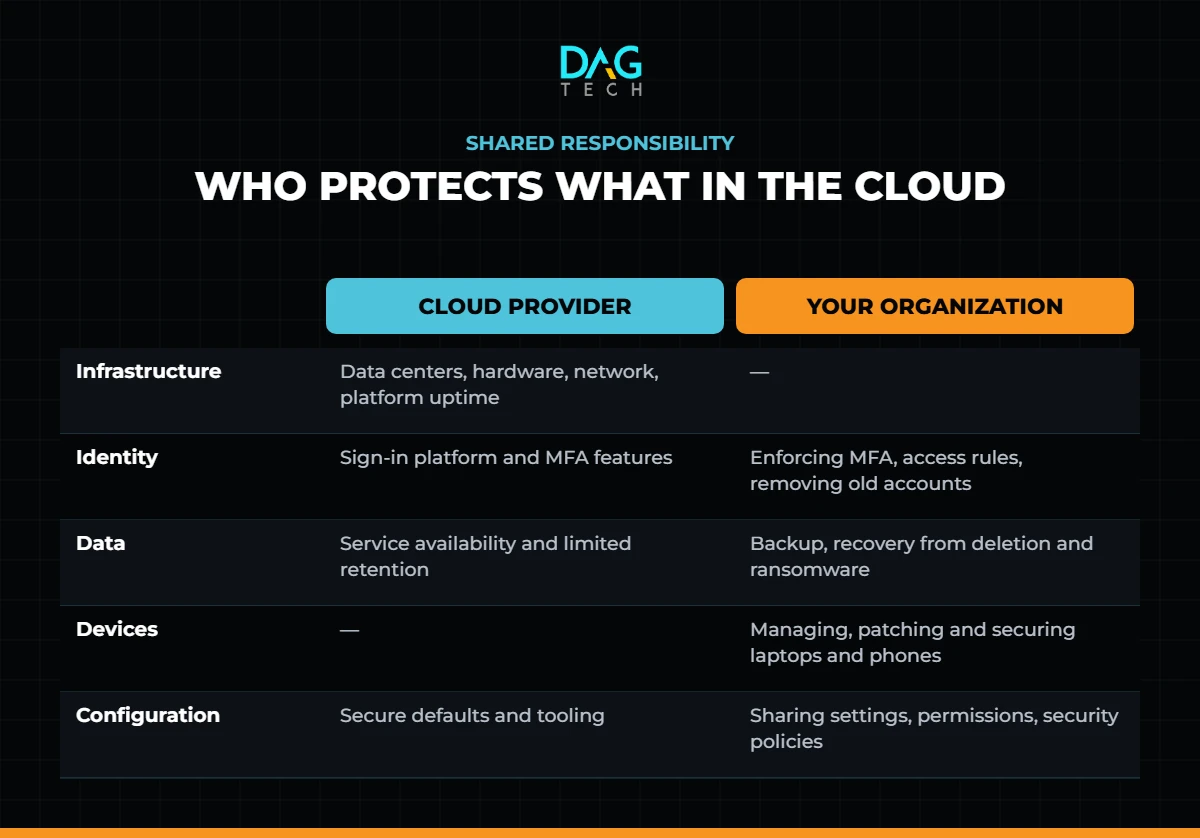
Cloud platforms keep services running, but Microsoft’s own shared responsibility model is explicit: for every type of cloud service, you own your data and your identities. Back up Microsoft 365 or Google Workspace to a separate system, add data loss prevention for sensitive files, and archive inactive SharePoint content so it stays retrievable without cluttering active sites — the job DAG Tech Freeze was built for. Our guide to cloud security best practices covers the rest.
Step 6: Migrate in Waves
- Start with a pilot group that will report problems honestly.
- Move one department or system at a time, over weekends where possible.
- Keep the old system read-only for a defined period before retiring it.
- Train people on where things now live. Most post-migration tickets are “where is my file,” not technical failures.
Step 7: Control Cost After the Move
Cloud spending grows quietly: unused licenses, oversized servers and storage nobody cleans up. Review licenses and consumption monthly, right-size infrastructure, and assign an owner for the bill. Microsoft’s licensing model adds its own commitments to manage — see what Microsoft NCE means for your licenses.
A cloud migration is not finished when the data moves. It is finished when the accounts are secure, the backups are tested and the bill is owned.
Where DAG Tech Fits
DAG Tech plans and runs migrations end to end through our cloud managed services and IT project services, including Microsoft Azure environments, and is a Google Cloud Partner. After the move, our managed IT and managed cybersecurity teams keep identity, backups and cost under control — with an 8-minute average helpdesk response when someone cannot find a file.
Contact DAG Tech today to plan your migration — we deliver proposals within one business day.
Related reading: IT Consultant vs. Managed IT Provider · Earthquake-Ready IT: Disaster Recovery for Southern California Offices · Microsoft 365 Solutions for Business